
















Which PCIe Card Do You Need?
| Device Type | Best Fit | Key Consideration |
|---|---|---|
| Wi-Fi 7 card | Heavy gaming, 4K streaming, or many devices online at once | Full MLO benefit requires a Wi-Fi 7 router |
| Wi-Fi 6 card with Bluetooth | Reliable everyday wireless plus wireless peripherals | Connects a controller, headset, or keyboard directly |
| Budget dual-band Wi-Fi card | Basic browsing, streaming, and video calls | Dual-band only, no Wi-Fi 6 or Wi-Fi 7 speeds |
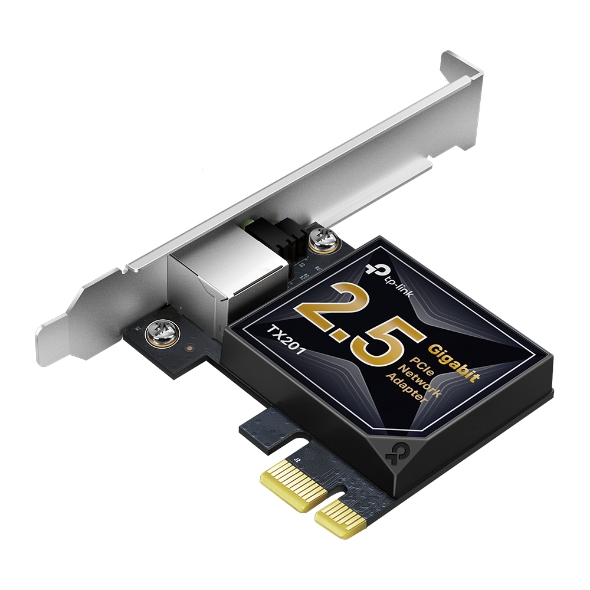
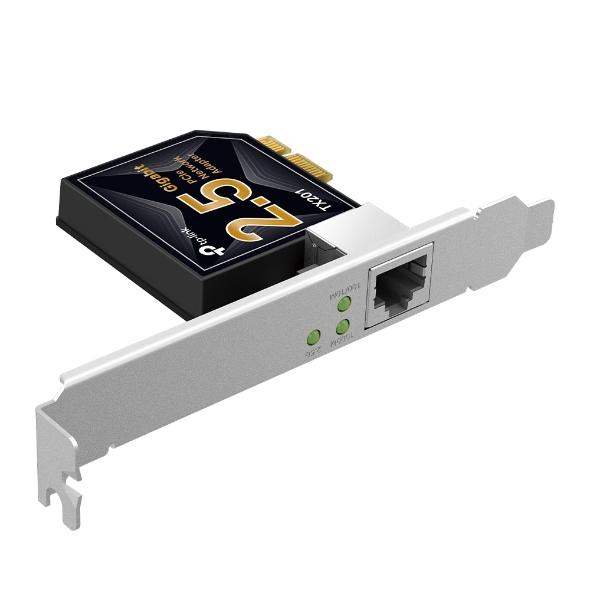
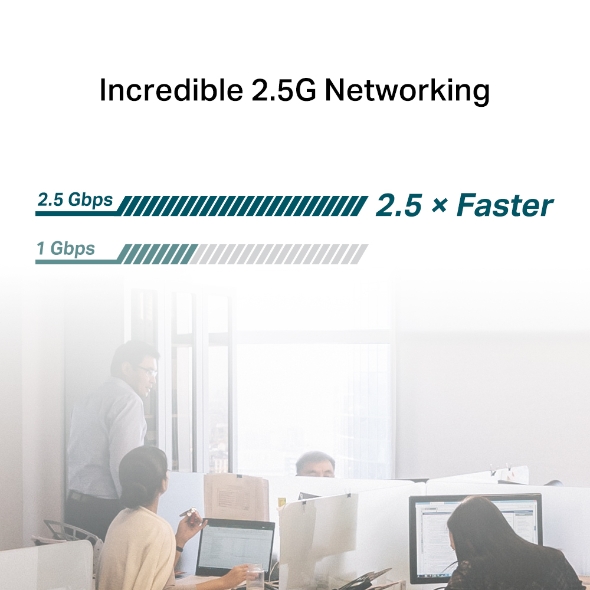
| PCIe Ethernet adapter | Large file transfers or a home server setup | Full speed depends on a compatible network switch or router |
| USB Wi-Fi or Ethernet adapter | Laptops | PCIe cards install in desktops only |
Add Wireless (or Wired) Speed to Your Desktop
If you are building a desktop PC or replacing an aging network card, a TP-Link Wi-Fi card adds wireless connectivity inside your computer's expansion slot. If you prefer a wired connection, our wired-only adapters deliver a fast, stable link instead. Both install only on desktops, not laptops.
What to Look for in a PCIe Network Adapter
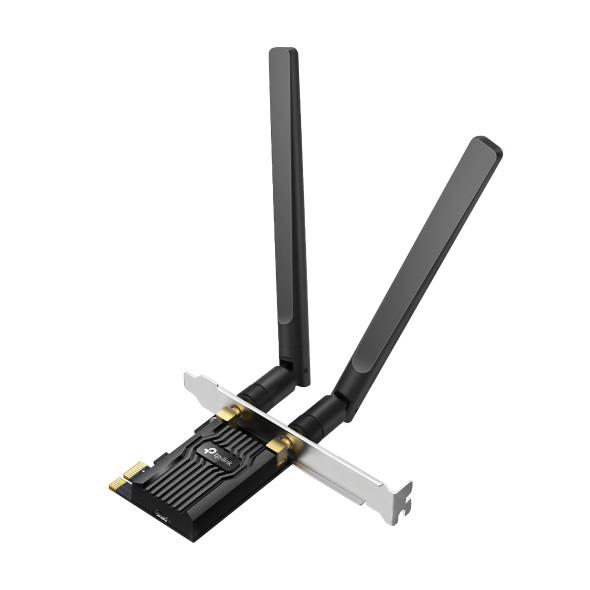
- Speed That Matches Your Setup: This PCIe Wi-Fi card lineup spans Wi-Fi 5 through Wi-Fi 7, so you can match your card to what your setup needs. Choose everyday dual-band for everyday browsing, Wi-Fi 6 for reliable speed with more devices online, or Wi-Fi 7 for the fastest available speeds.
- Step Up to Wi-Fi 7: A Wi-Fi 7 PCIe card brings the latest wireless standard inside your desktop, adding access to the 6 GHz band and its wider, less crowded channels. On supported routers and devices, it also enables Multi-Link Operation (MLO), which combines bands for higher throughput and lower latency.
- Strong, Clear Signal: A dual-band desktop PC Wi-Fi card gives you access to the 2.4 GHz and 5 GHz bands, while tri-band models add the 6 GHz band on compatible products and networks. External, high-gain antennas allow more flexible signal reception and placement, so you can find the strongest connection point on your desk.
- Bluetooth on Select Models: Some cards pair Wi-Fi with Bluetooth, connecting your keyboard, mouse, or headset without an extra USB dongle.
- Secure and Compatible: WPA3 is included for stronger password protection on a comptaible network, plus backward compatibility with earlier Wi-Fi standards, so your new card still works with your existing router.
Find the Right Wi-Fi or Ethernet Adapter for Your Desktop
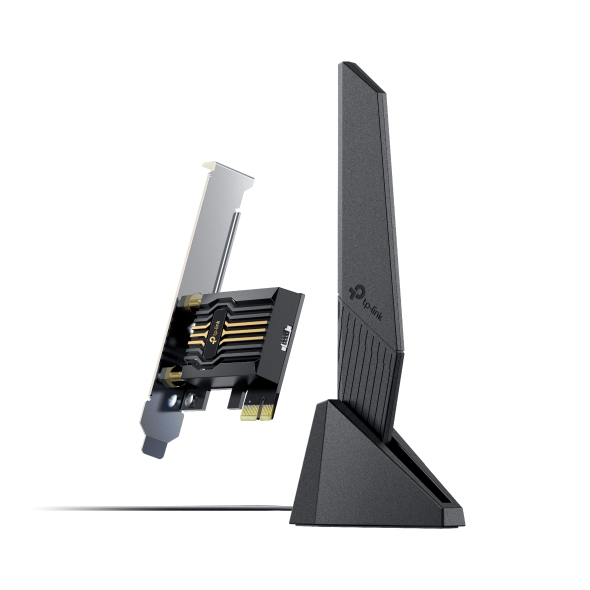
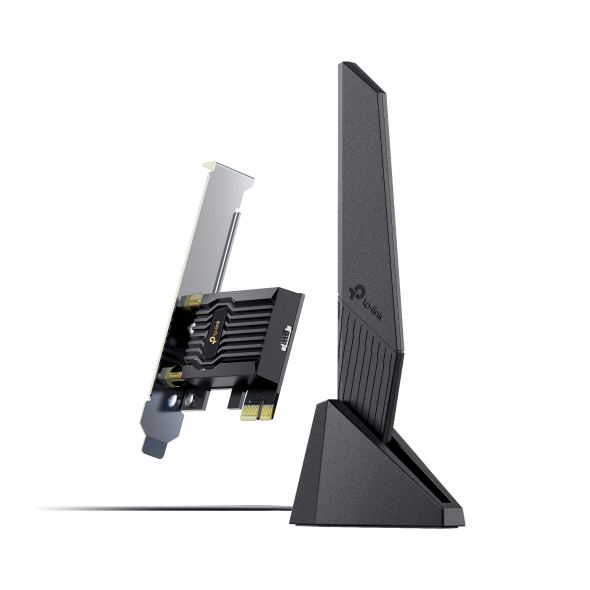
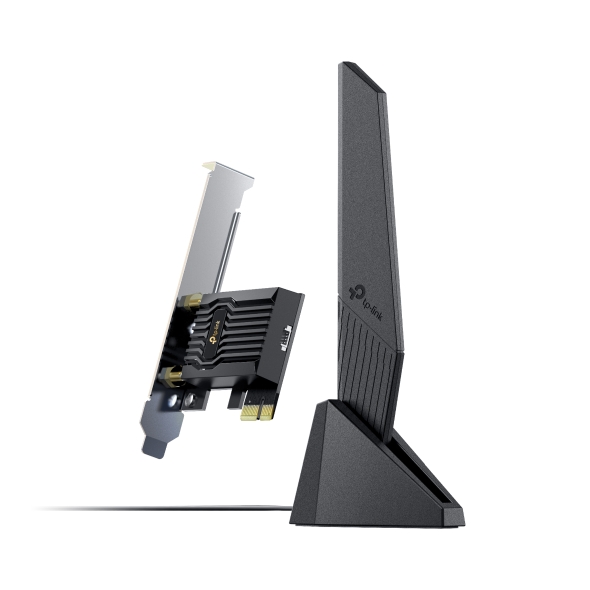
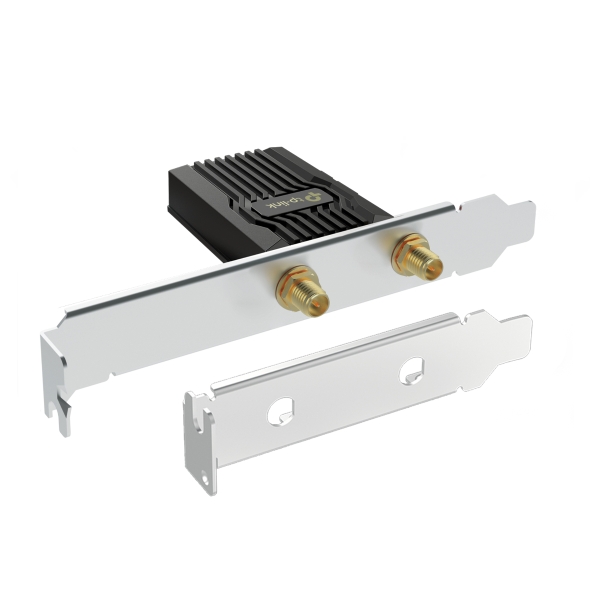
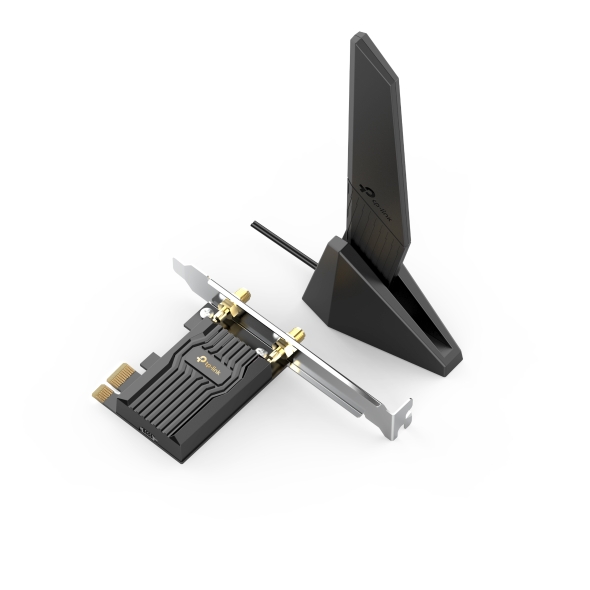
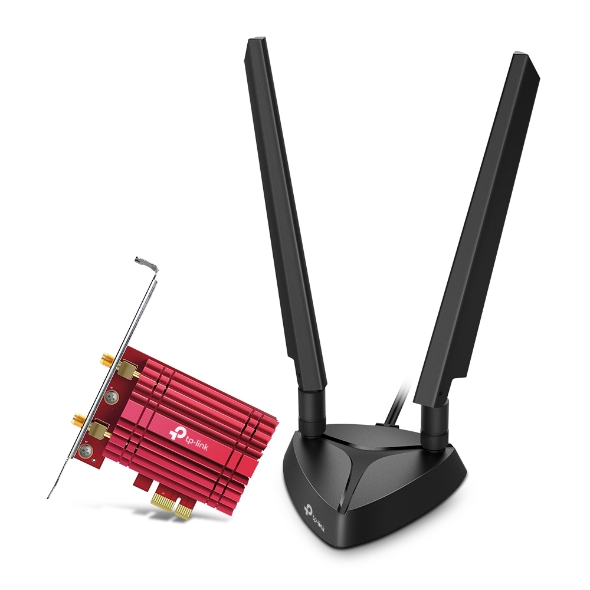
- Top Wi-Fi 7 Performance: The Archer TBE550E is a tri-band Wi-Fi 7 card with tri-band connectivity and Multi-Link Operation, combining bands for higher throughput and lower latency. Two multi-directional antennas on a magnetized base give you flexible placement to find the strongest signal on your desktop.
- Reliable Wi-Fi 6 with Bluetooth: Pair fast Wi-Fi 6 speeds with Bluetooth 5.3 on the Archer TX3000E, a wireless card for PC setups that connects a game controller, headset, or keyboard with no separate adapter required. It also supports 160 MHz channel bandwidth and works with MU-MIMO routers for a steadier connection on compatible networks when several devices are active at once.
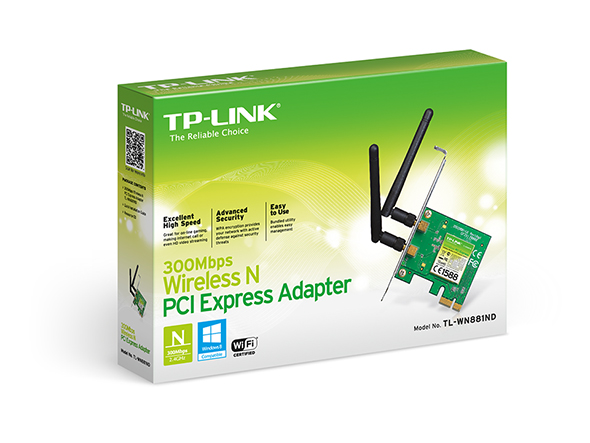
- Everyday Dual-Band Wi-Fi: Bring dual-band Wi-Fi and MU-MIMO router compatibility to a desktop that just needs to get online with the Archer T2E, a Wi-Fi card for PC setups handling everyday browsing, streaming, and video calls. It also includes a high-gain antenna for stronger signal reception throughout the room.
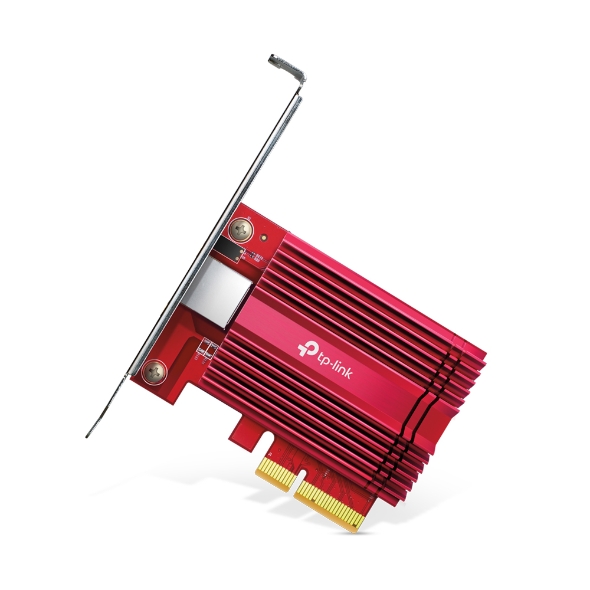
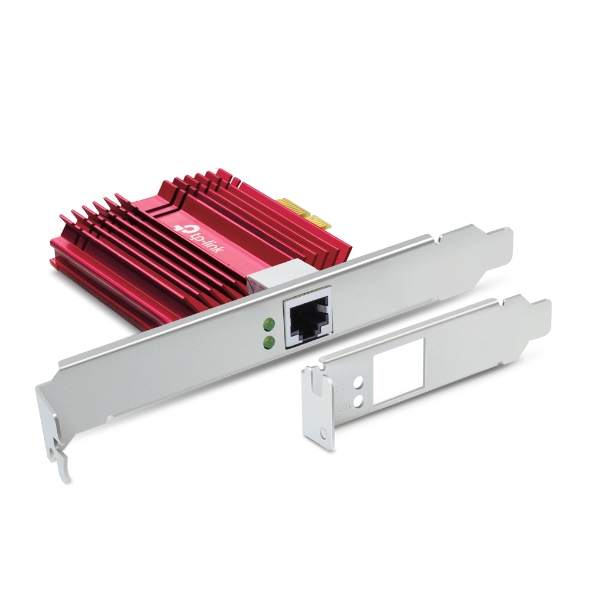
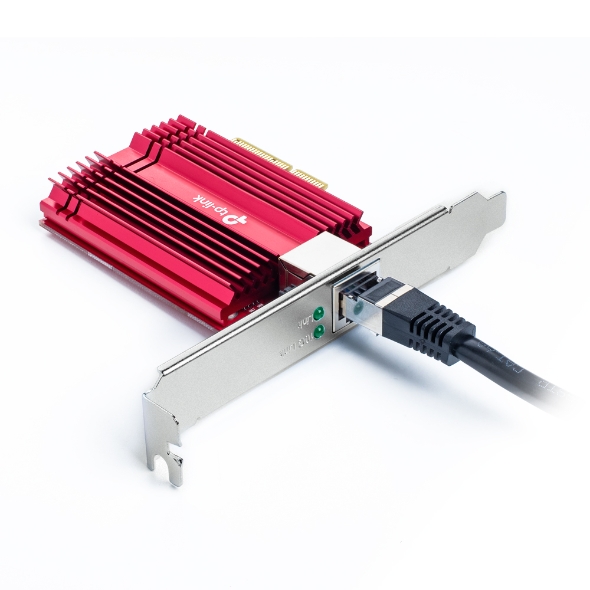
- Fast Wired Connection: Skip wireless with the TX401, an up to 10 Gbps PCIe network adapter that includes a CAT6A cable rated for a 10GbE-ready wired connection, a solid fit for large file transfers or a home server setup.
Laptop Options
These full-size PCIe network adapters require a compatible desktop expansion slot, so they are not designed as laptop upgrades. If you're looking for laptop options instead, USB adapters offer the same easy wireless upgrade in a plug-and-play format, while USB converters add a wired Ethernet port without opening up the device.
One Slot, A Better Network Connection
A single expansion slot is all it takes to bring new capability to your desktop, whether that's a first wireless connection, a security upgrade to WPA3 on a compatible network, or a wired link that can handle heavy transfers. Explore the full lineup to find the right card for your setup.