












More Ports, No Extra Hassle
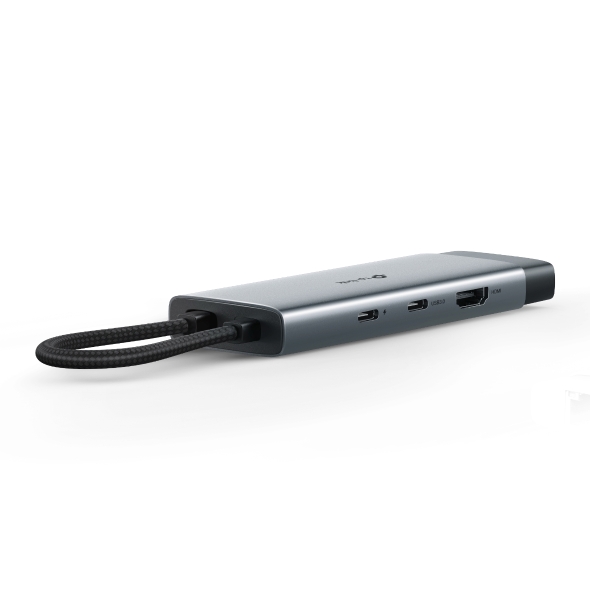
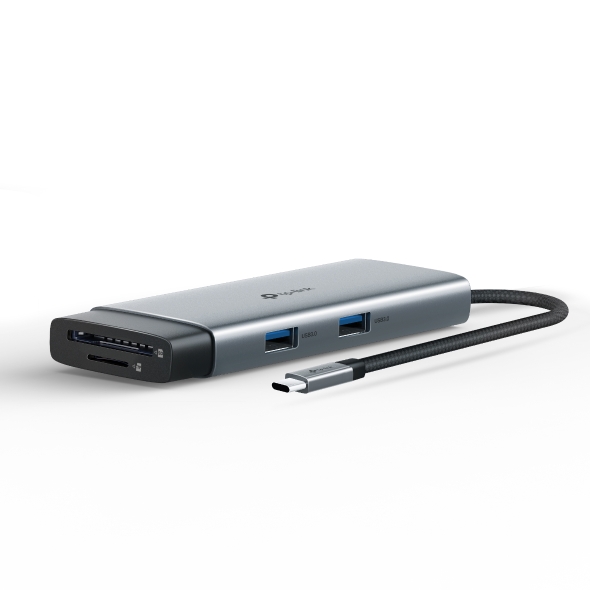
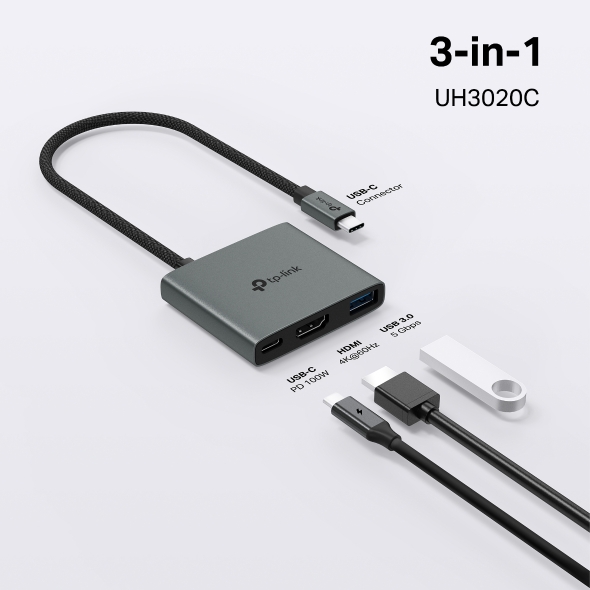
A laptop or desktop rarely has enough ports for everything you want to connect. A TP-Link USB hub adds what you need: a simple, port-only option like the UH400 for basic expansion, or a USB-C hub with power delivery and display, such as the UH3020C and UH5020C for everyday use, or the UH7020C and UH9120C, which add a card reader for heavier workloads.
Why Choose a TP-Link USB Hub?
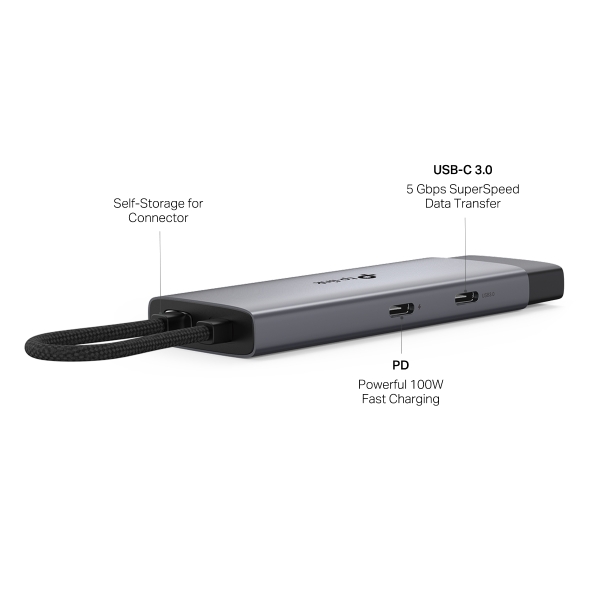
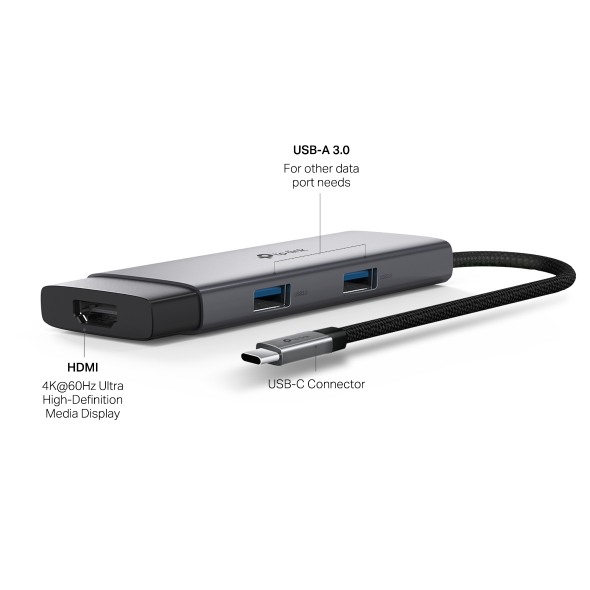
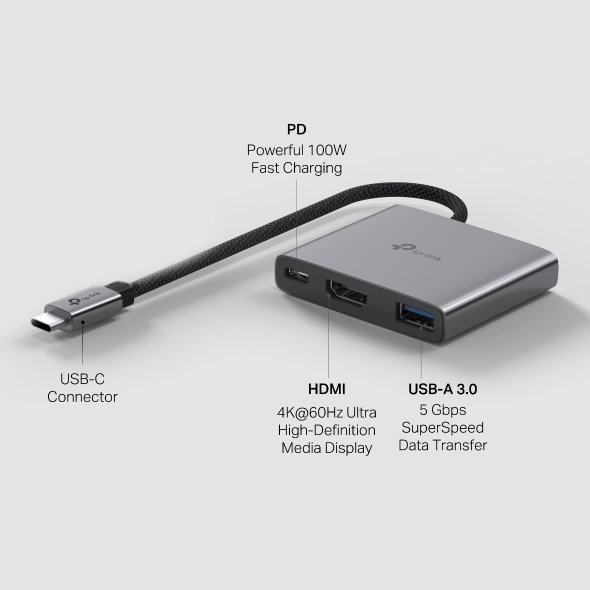
- Move Files Faster: 5 Gbps SuperSpeed Data Transfer moves large files, like video projects or backups, in a fraction of the usual time.
- Charge While You Work: Select USB-C hub models double as a USB charging hub, with 100W power delivery so your laptop stays powered while everything else stays connected.
- Expand Your Workspace: USB-C hub models with HDMI offer Ultra HD display output, extending your screen to an external monitor for extra room to work.
- One Hub, No Extra Hardware: Some models add a built-in SD and microSD UHS-I card reader (microSD cards sold separately), with read speeds ranging from 104 MB/s to 200 MB/s depending on the model, so you can pull photos and video straight off a camera card without a separate reader.
- Skip the Setup Hassle: No drivers needed. Plug and play on current Windows and macOS: connect your USB port hub and start working right away, at your desk or anywhere else.
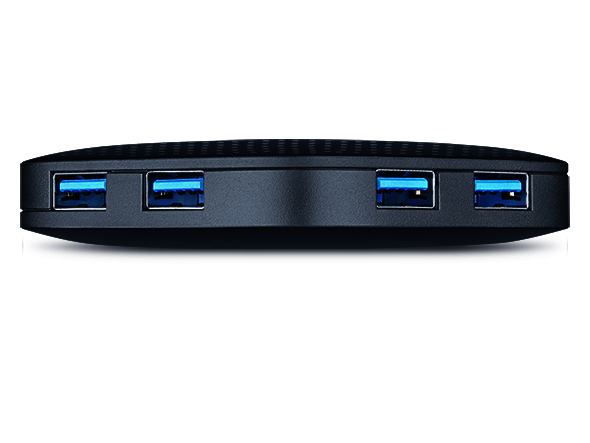
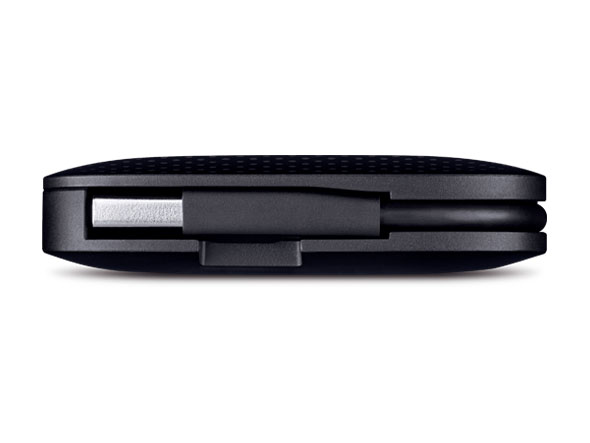
- Find the Right Port Count: Choose a USB-C hub with three to nine ports, or a 4-port or 7-port USB 3.0 option.
Find the Right USB Hub for Your Setup
Every setup uses ports differently: a laptop that needs charging and a second display, a desktop running several accessories, or one specific connection you're missing entirely. Here's which model fits what you need.
- Run Your Laptop Setup From One Port: The UH9120C is the only hub in the lineup with Gigabit Ethernet built in, so a wired connection is one less thing you need a separate adapter for. It also covers 4K HDMI, a card reader, USB-C and USB-A data ports, and 100W power delivery, making it a strong USB hub for laptop and desktop setups.
- Offload Photos on a Second Screen: The UH7020C balances a card reader with display output and power delivery, all in one hub.
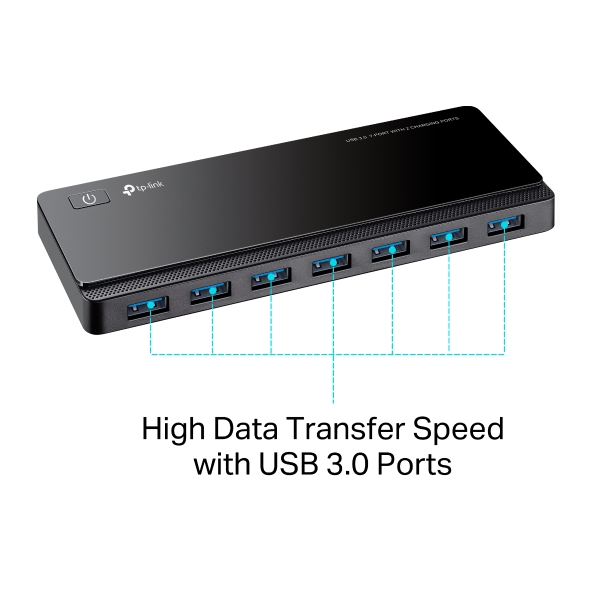
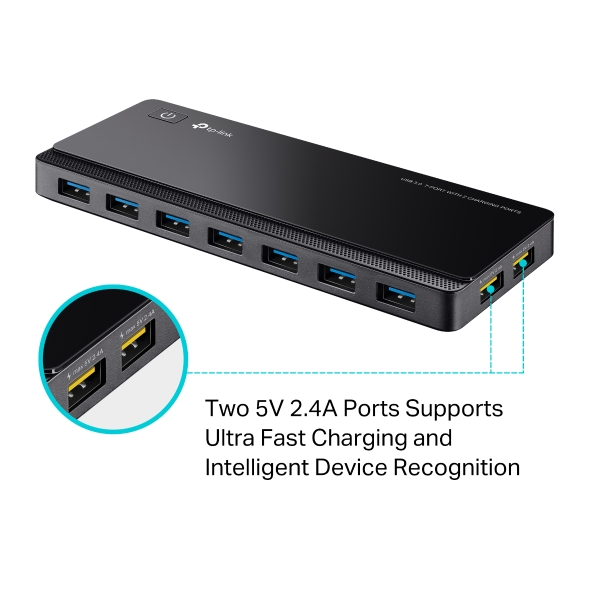
- Power a Full Desktop Setup: The UH720 is a powered USB hub with more USB-A ports, so light devices like a keyboard and mouse run without competing for power. It also adds two dedicated ports for charging your phone or tablet. All seven data ports share one USB 3.0 connection to your computer, keeping your everyday desktop gear connected and running.
- Add Ports Without Adding Bulk: The UH3020C is compact, one of the best USB-C hub picks for everyday expansion.
- Add Ethernet or Wi-Fi Through USB: Browse USB Converters for a wired connection, or USB Adapters to add or upgrade Wi-Fi.
Ready to Add More Ports?
What you need from a USB hub depends on how you use it. Some situations call for just one more port; others need power, a screen, and a card reader too. TP-Link covers that whole range. Compare the models above to find your fit.