









Instant Upgrade for Your USB Ports
Whether your device runs on USB-C or USB-A, a TP-Link USB converter is plug-and-play on current Windows and macOS. Add an Ethernet adapter to keep video calls and file transfers steady, or an SD card reader to move photos and footage off a memory card without waiting on a slow transfer.
Why Choose a TP-Link USB Converter?
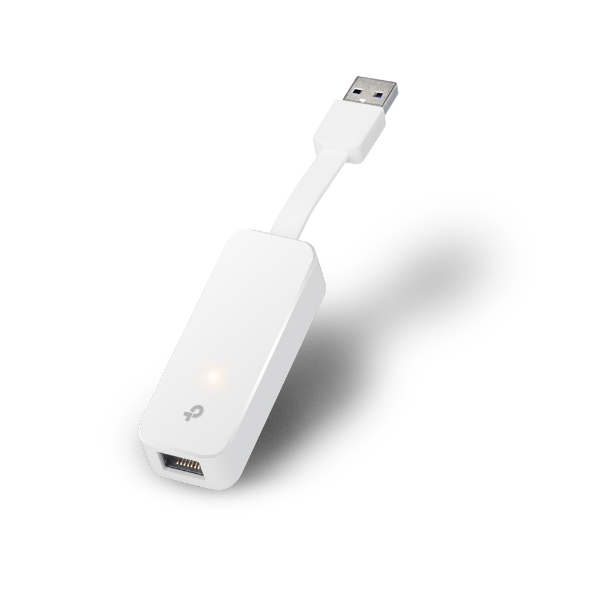
- Gigabit Ethernet Speed: A USB-to-Ethernet adapter delivers speeds up to 1000 Mbps for a stable wired connection, ideal for video calls, gaming, and large file transfers.
- Fast Card Transfers: Move photos and videos off a card quickly with a USB SD card reader built for UHS-I speeds up to 200MB/s, though your actual transfer speed depends on the card you're using.
- Steady Backup Connection: A USB 3.0 to Ethernet adapter gives you a wired connection that won't drop when Wi-Fi gets congested, keeping calls and games running smoothly.
- Two Cards at Once: Skip the swap and read an SD and a microSD card simultaneously, whether you're using a USB-C to SD card reader or a USB-A model.
- Connector Options: Choose USB-C or USB-A, so the converter matches the ports already on your device.
- Compact and Ready to Go: TP-Link's card readers are small enough to carry anywhere and work as soon as you connect them.
Match the Right Converter to Your Setup
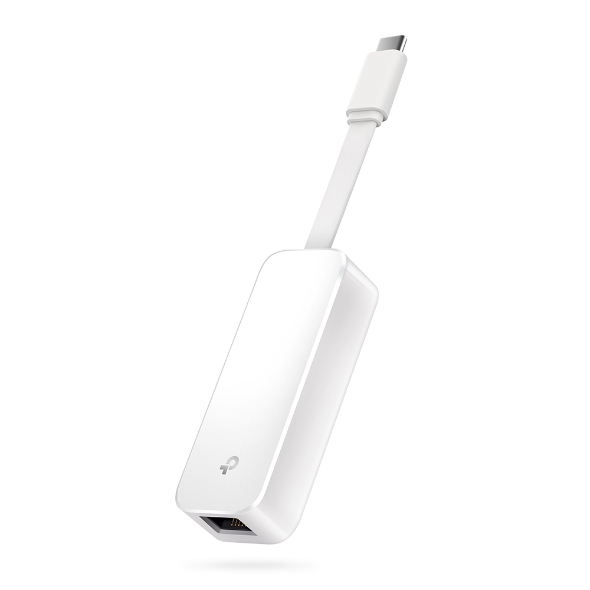
- USB-C to Ethernet: Connect a wired network to any USB-C laptop running Windows, Mac, Chrome OS, or Linux with the UE300C, delivering Gigabit Ethernet speeds up to 1000 Mbps in a foldable, travel-ready design.
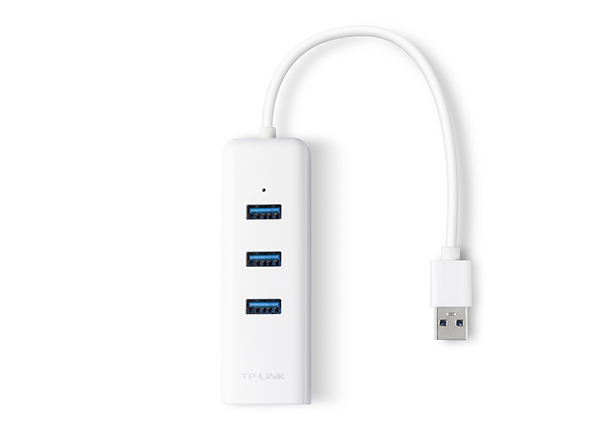
- More Ports Plus Ethernet: Add three additional USB 3.0 ports and Gigabit Ethernet in a single device with the UE330, ideal for a desk setup that's short on space and ports alike. Older macOS versions need a manual driver install.
- USB-A Card Reading: Access SD and microSD cards up to 2TB at once with the UA430, built with a flexible braided cable that keeps your ports clear.
- USB-C SD Card Reader: Read cards from USB-C or USB-A devices, including phones and tablets, with the UA430D's dual connectors and OTG support.
- Need More Ports? Expand your setup further with TP-Link's USB hubs, and add multiple devices to a single port.
- Add Wi-Fi: Upgrade wireless connectivity on an older or Ethernet-only device with a USB Wi-Fi adapter.
One Converter, More Possibilities
From a wired network jack to a card slot, there's a TP-Link USB converter for the job. Compare the options above and pick the one that matches your device and workflow.